Digital Overload
Digital Boundaries for Remote Workers: Where Work and Scroll Blur
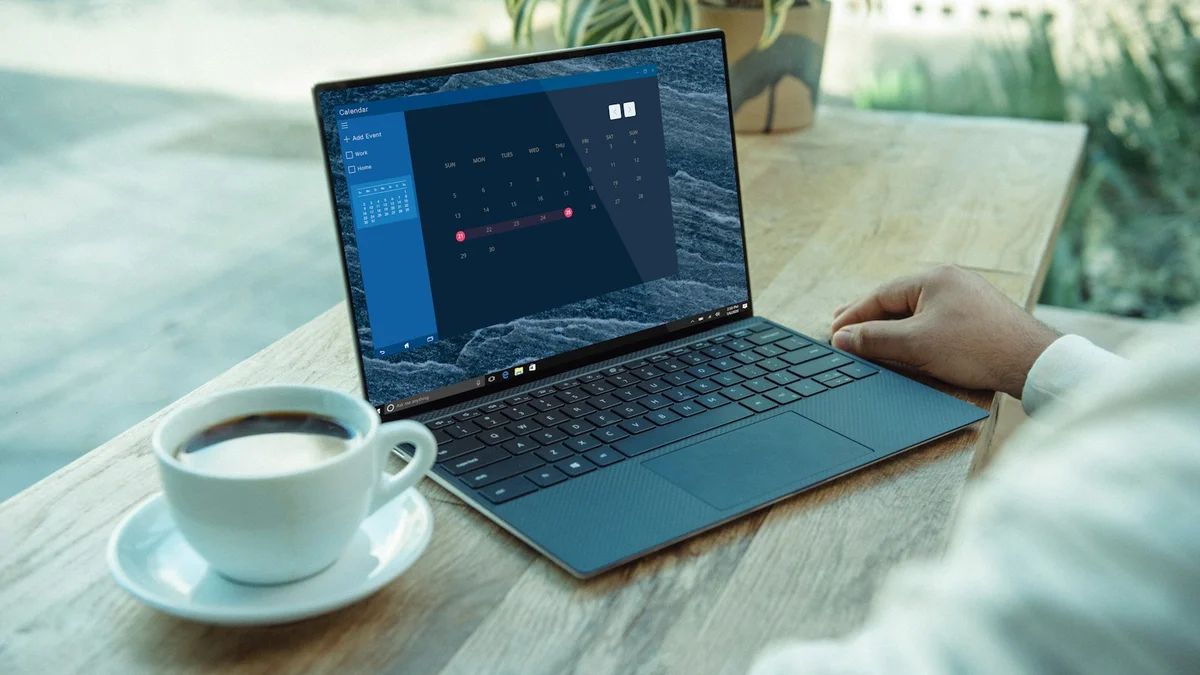
The laptop is closed, but it’s right there on the desk. The phone is charging next to it. You finished work two hours ago, but the boundary between “at work” and “not at work” doesn’t exist anymore. There’s no commute to separate the two. There’s no office door to close. There’s just the same room, the same devices, and a nervous system that never fully clocks out.
Remote work promised freedom. What it delivered, for many people, is a different kind of confinement - one where work bleeds into evenings and weekends, and the scroll fills every gap that work leaves behind.
Key takeaways
- Remote work removed the physical boundaries your nervous system relied on. You have to rebuild them on purpose.
- Create a commute replacement - a walk, a change of clothes, a closed door - to mark the end of the workday.
- Protect the first hour after waking from the phone, before work claims the whole day.
- Set a hard stop time. “Just one more email” is never one more.
The blur problem
In an office, the boundaries are physical. You walk in, you work. You walk out, you stop. The transition is built into the architecture. At home, that architecture doesn’t exist. Your kitchen is your break room. Your couch is your office chair. Your bedroom is - well, it’s supposed to be for sleep, but the laptop follows you there.
This creates two problems. The first is work bleeding into life: you check Slack at 9 PM because the laptop is right there, you answer emails on Saturday because there’s no physical separation, you never fully “leave” because the office is always in the room.
The second problem is the scroll filling the gaps. When work and life blur together, the nervous system never gets a clean break from either. You’re not fully working, and you’re not fully resting. You’re in a middle state - half-productive, half-distracted, fully exhausted. The scroll becomes the default activity in this middle state because it requires no transition. You just pick up the phone and drift.
Both problems have the same root: the absence of physical boundaries in a remote environment. And both have the same solution: creating those boundaries intentionally.
The commute replacement
The most important boundary for remote workers isn’t about the phone. It’s about the transition. When you worked in an office, the commute served a function: it marked the boundary between work and life. It gave your nervous system time to shift gears.
At home, you need a replacement. Something that marks the end of the workday and the beginning of the rest of your day. It doesn’t have to be long. It just has to be consistent and physical.
Examples that work:
A walk around the block. Ten minutes. When you finish work, you close the laptop, put the phone in your pocket (not in your hand), and walk outside. When you come back, the workday is over. The physical movement, the change of environment, the fresh air - they all signal to your nervous system: shift gears.
A change of clothes. If you work in pajamas or loungewear, changing into “home clothes” at the end of the day creates a physical marker. It sounds small. It works because the body responds to physical cues faster than mental ones.
A specific room boundary. If you have a dedicated office, close the door when work ends. If you don’t, cover the laptop with a cloth or put it in a drawer. The visual cue matters: if you can see the work, your brain stays in work mode.
The transition boundary is the foundation for everything else. Without it, the other boundaries don’t stick.
The phone-free first hour
When you work from home, the morning is precious. It’s the one time of day when you’re not yet split between work and everything else. Protecting it - from the phone, from email, from the scroll - sets the tone for the entire day.
The boundary: no phone for the first 30 to 60 minutes after waking. Not “just a quick check.” Not “I’ll just see if anything urgent came in.” No phone.
This is hard for remote workers because the phone is the first thing you reach for to check work messages. But that’s exactly why the boundary matters. If the first thing your nervous system does in the morning is process work notifications, you’ve already lost the calm before the day begins.
Instead: make coffee. Sit by a window. Stretch. Have a conversation with someone in your household. Do absolutely nothing, on purpose. The work will be there in an hour. Your morning won’t.
Phone-free mornings are one of the highest-leverage boundaries for remote workers because they protect the one part of the day that belongs entirely to you.
The workspace scroll trap
Here’s the specific way remote work and scrolling intersect: the work gap. Between meetings, between tasks, between emails - there are small pockets of time. In an office, you might chat with a colleague or get water. At home, you reach for the phone.
These micro-scrolls feel harmless. They’re five minutes here, ten minutes there. But they’re not restful. They’re a different kind of stimulation layered on top of work stimulation. Your brain never gets a break. It just switches from one type of input to another, and the cumulative effect is exhaustion.
The alternative is intentional gaps. When you finish a task and have fifteen minutes before the next one, don’t scroll. Stand up. Walk to the kitchen. Look out a window. Do a few stretches. Let your eyes rest from screens entirely.
These moments of real rest - screen-free, phone-free - are what the book calls pockets of calm. They don’t happen by accident in a remote environment. You have to create them.
The household boundary
Working from home means your colleagues are your family, your roommates, or your empty house. Each presents a different boundary challenge.
If you live with others, the hardest part is the door. When the office door is closed, do not disturb means do not disturb. But the door feels like a barrier, and the guilt of “ignoring” the people you live with can pull you out of focus every time someone walks by.
The solution is communication, not isolation. Tell your household when you’re in a deep work block: “I’m going heads-down for 90 minutes. I’ll be available after that.” This sets expectations without creating resentment. Most people respect a boundary that has a clear start and end time.
If you live alone, the challenge is different: there’s no one to interrupt you, but there’s also no one to notice when you’ve been scrolling for an hour instead of working. The boundary here is self-imposed: a timer, a schedule, a commitment to check the phone only at designated times.
Either way, phone boundaries for remote workers need to account for the household environment, not just the individual habit.
The evening scroll default
After a day of working from home, the evening scroll feels like the only transition available. You didn’t commute. You didn’t leave the office. The day just… ended, and the phone is right there, and scrolling feels like the only way to mark the shift from work to rest.
But scrolling doesn’t rest you. It fragments you further. After a day of fragmented attention at work, the scroll adds more fragmentation on top. By the time you go to bed, your nervous system is more activated than when you started the evening.
The alternative is a real wind-down. Not a perfect, candle-lit, phone-free evening every night. Just a conscious choice to do one thing differently. Put the phone in another room for the last 30 minutes before bed. Replace the scroll with a book, a conversation, a stretch, or nothing at all.
The evening wind-down doesn’t have to be elaborate. It just has to be different from the scroll. And it starts with the phone being physically out of reach.
The “just one more email” problem
Remote workers are especially vulnerable to the “just one more” loop because the work is always accessible. Just one more email. Just one more Slack message. Just one more task. The laptop is right there. Why not?
Because “just one more” is never one more. It’s a doorway into another thirty minutes of work, followed by another thirty minutes of scroll, followed by a bedtime that’s later than you wanted. The loop is: work → scroll → sleep → work, with no clean breaks between any of them.
The boundary is a hard stop. Not “I’ll stop when I’m done” - you’re never done. A specific time, after which the laptop closes and the phone goes into the parking lot. The remaining emails will be there tomorrow. The business will survive.
This is what gentle space-creation looks like for remote workers: not a radical disconnection from work, but a deliberate reconnection with everything else.
The remote worker’s reset
If you’re reading this and realizing that your remote work boundaries don’t exist, that’s okay. Most remote workers are in the same position. The blur happened gradually, and it will un-blur gradually too.
Start with one boundary. The commute replacement. The phone-free first hour. The hard stop at a specific time. Pick the one that would make the biggest difference in your day, and try it for a week.
You’ll notice something quickly: the boundaries don’t reduce your productivity. They increase it. When you’re fully working during work hours and fully resting during rest hours, both work and rest improve. The middle state - half-working, half-scrolling, fully exhausted - is the least productive state there is.
Remote work works. But only with boundaries that replace the ones the office used to provide. Build them gently, one at a time, and watch the blur start to clear.
Frequently asked questions
I don’t have a home office. Can I still set boundaries?
Yes. Visual cues matter more than rooms. Cover the laptop with a cloth, put it in a drawer at a set time, or pack your work things into one box each evening. If you can’t see the work, your brain stops waiting for it.
What’s the best commute replacement when I have no time?
Ten minutes is enough. A walk around the block between closing the laptop and starting your evening resets your nervous system almost as well as a long commute did - consistency matters more than length.
How do I stop checking work messages in the evening?
Set a hard stop time and a scheduled do-not-disturb window, then tell colleagues when you’ll be reachable again. The announcement does most of the work; the schedule makes it automatic.
Won’t boundaries make me less productive?
The opposite. Half-working, half-scrolling is the least productive state there is. Full focus during work hours and full rest after them improves both - most people notice it within the first week.
If you want the full toolkit - the phone boundaries, the mindful consumption practices, the low-energy-day versions - Quiet Core Reset walks through it all in one chapter, with practical tools you can start tonight. No quitting your devices. No guilt. Just a quieter relationship with the thing that’s been quietly taking your evenings.
This article explains how the book describes digital overload and gentle space-creation. It is not medical advice. If low mood or fatigue persists, consult a professional.